How to Mute Sound on PC Quickly — One-Click Mute Button
A video starts playing out of nowhere, the phone rings, someone walks in — and the sound has to go off right now. Here are the fastest ways on Windows 10 and 11.
Option 1. The volume icon
Click the speaker icon in the bottom-right corner, then the speaker icon next to the slider. On Windows 11 the slider is in Quick Settings; on Windows 10 it is in the small volume pop-up. Two precise clicks on a small target.
Option 2. Keyboard keys
Many laptops and media keyboards have a mute key — usually a crossed-out speaker, sometimes together with Fn. Handy if you have one and remember where it is. Windows has no standard key combination for mute.
Option 3. Volume mixer
If only one app is the problem, right-click the speaker icon → Volume mixer and mute just that app.
Option 4. One taskbar button
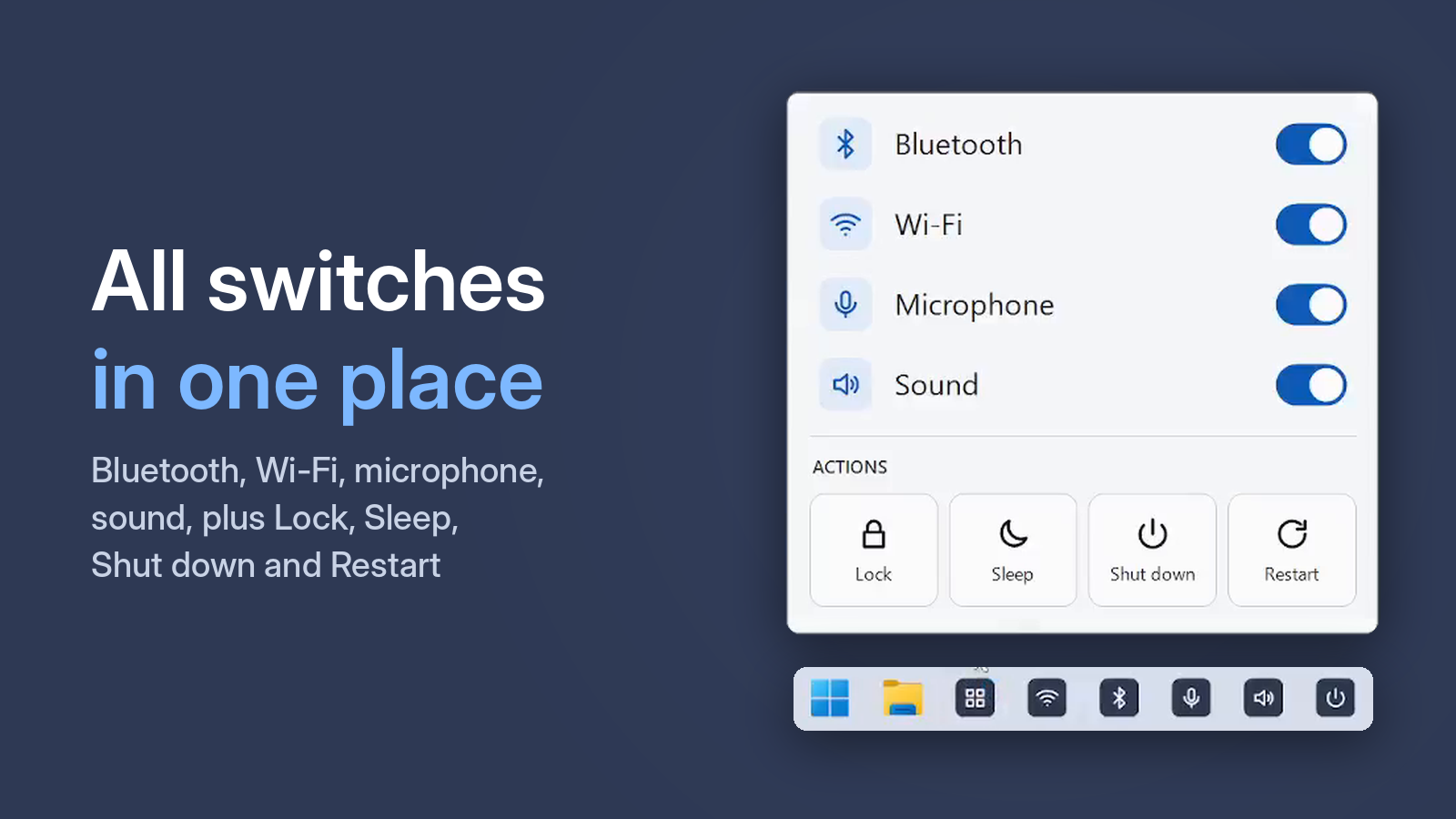
One Click Switcher puts a Sound button on your taskbar. One click mutes your main audio device, another click brings the sound back. A small pop-up confirms it — no aiming at a tiny icon in the corner.
Free · Windows 10 and 11 · no ads
Muted, but something is still playing?
The button mutes your main output device. If you have several connected — say, speakers and headphones — the sound may be going through another one. Check which device is selected in Settings → System → Sound → Output.