How to Turn Off Wi-Fi on a Laptop or PC in One Click — Windows 10 and 11
You may want Wi-Fi off when the PC is on a cable, when the kids should take a break from the internet, or when the connection hangs and needs a restart.
Option 1. Quick Settings
Press Win + A (the Action Center on Windows 10) and click the Wi-Fi tile. Do the same to turn it back on. You can also click the network icon in the bottom-right corner.
Option 2. Settings
Win + I → Network & internet → Wi-Fi → the Wi-Fi switch.
Option 3. Airplane mode
Turns off Wi-Fi together with Bluetooth and cellular. Fine when travelling, but overkill if you only need Wi-Fi off.
Option 4. One taskbar button
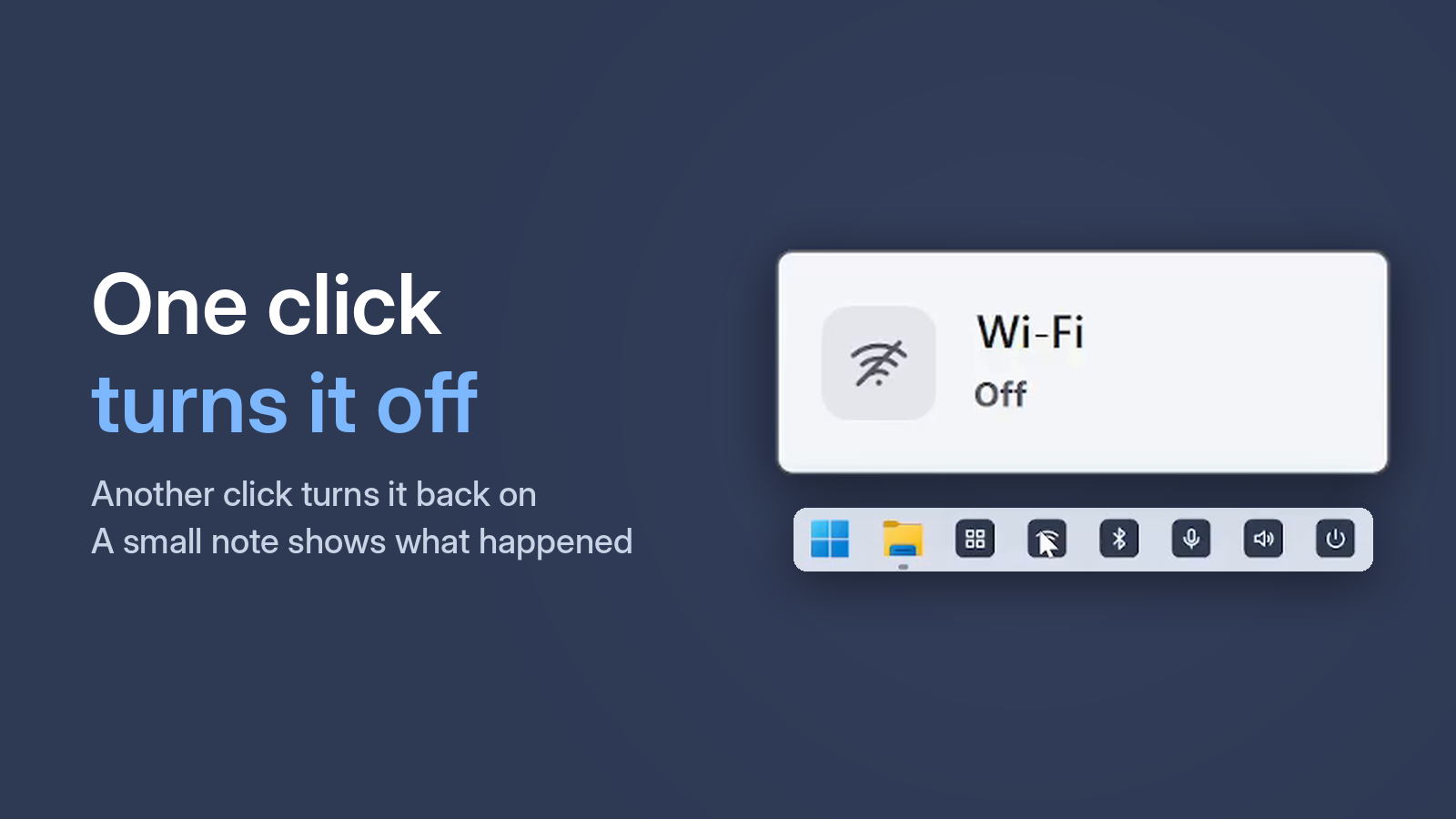
With One Click Switcher, Wi-Fi is one taskbar button. It is especially handy on a wired connection: the network icon shows the cable, so you can't tell whether Wi-Fi is on. The Status window shows Wi-Fi, Bluetooth, microphone and sound at once.
Free · Windows 10 and 11 · no ads
Quick Wi-Fi restart
If Wi-Fi internet drops while other devices are fine, turning Wi-Fi off and on often helps: two clicks on one button instead of digging through Settings.